Find your look.
Keep your surroundings, or use Cutout for a solid color or a photo background. It all happens on your device.
A screen recorder with a little more you.
Show it. Explain it. Put a face to it.
Record your iPhone or iPad screen with your camera floating right alongside.
Made for iPhone and iPad. No account needed.
A SMALL IDEA, MADE REAL.
 ● LIVE
Illustrative demo · your screen is the canvas
LESS SETUP. MORE SHOWING.
A quick walkthrough. A useful tutorial. That reaction you can’t put into words. Give your screen recordings the context only you can add.
Keep your surroundings, or use Cutout for a solid color or a photo background. It all happens on your device.
Open the floating camera, approve screen recording, and jump into your apps. Move, resize, or tuck your camera away.
Stop recording, watch your take, then share it or save it to Photos. Screen and camera come together in one video.
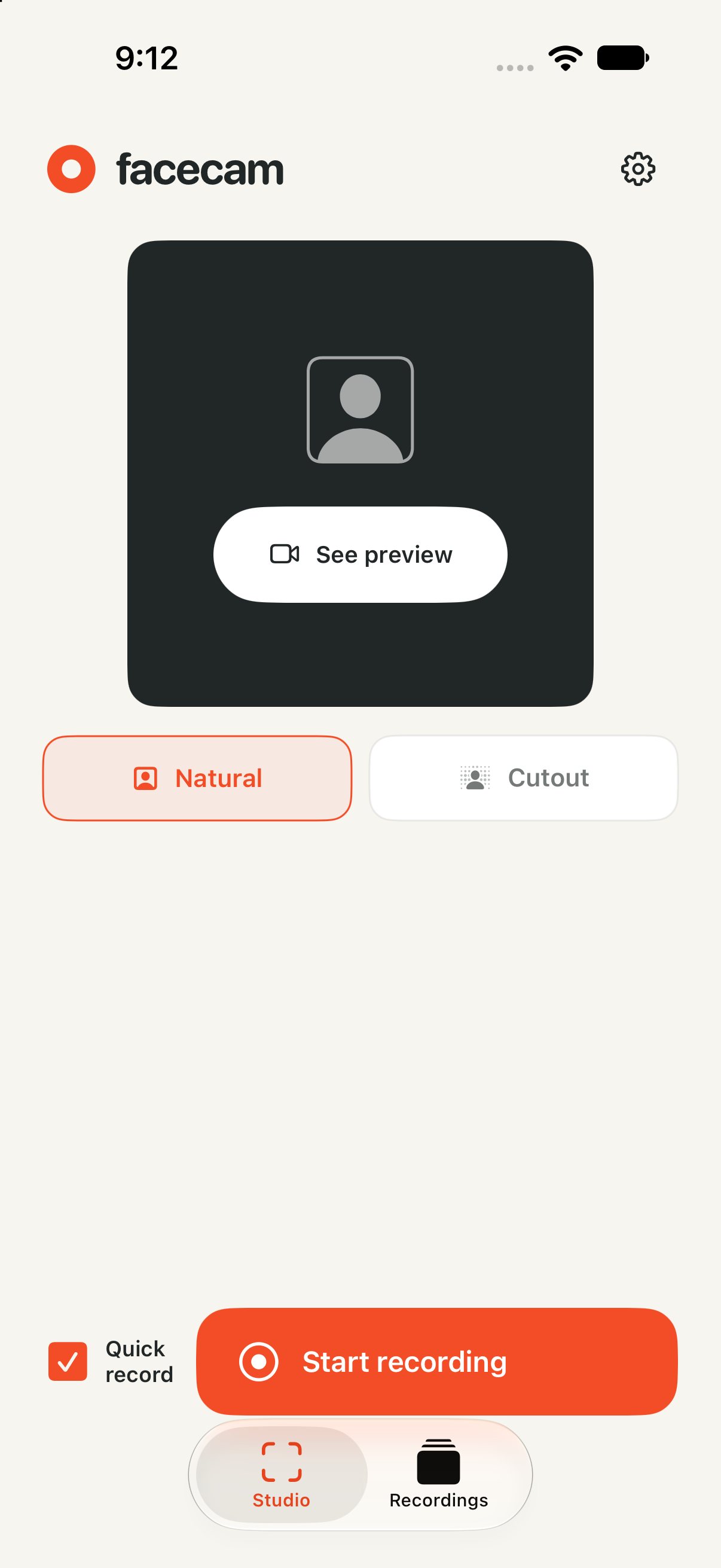
A SMALL STUDIO IN YOUR POCKET.
Stay natural, make your background a little brighter, or pick a photo that fits the story. Facecam handles the background on your device.
Natural keeps your surroundings in the picture. Try Cutout to change the demo above.
Add your microphone and include app audio when you need it.
After your first successful recording, Quick record helps you skip the guided setup.
Save manually, or turn on automatic saving to Photos for future recordings.
PERSONAL BY DESIGN.
No Facecam account. No recording uploads to our servers. Camera processing and background removal happen on your device. You choose what to share.
Read our privacy policyBEFORE YOU HIT RECORD.
Facecam is designed for a compatible iPhone or iPad running iOS or iPadOS 27 or later. Floating camera and screen capture require a physical device and the relevant system permissions. If background camera access is unavailable, the app offers screen-only recording.
Yes. Drag to move it, pinch to resize it, or swipe it toward the screen edge to tuck it away. iOS controls the floating window’s size, shape, and placement.
Your recordings are saved in Facecam’s local library. You can preview them, share them, or save a copy to Photos. Automatic saving to Photos is optional and off by default.
Yes. During recording, open the address shown in Studio in a desktop browser on the same trusted Wi-Fi network and enter the session code. Up to three viewers can watch your screen and floating camera. Enable sound in the browser to hear your microphone; app audio stays in the saved recording. Local viewing needs a Wi-Fi network that allows devices to connect. IPv4 and routable or unique-local IPv6 addresses are supported.
No. Facecam does not send camera frames or recordings to a Facecam server. Your device or Photos library may be backed up or synced through your Apple settings, and sharing a recording sends it to the destination you choose.
Some apps and protected media restrict screen recording. Record only content you have permission to capture, and get any consent required from other people. Try a short recording before an important take.
GO ON. PUT YOURSELF IN THE PICTURE.
Facecam for iPhone and iPad
Requires iOS or iPadOS 27 or later.
Free to download. Facecam Plus is an optional one-time purchase.